Peace of mind for you. Clarity for them.
Cairn brings the practical parts of your financial life together, keeps them easy to update, and gives the right people a clear handover when the time comes.
Build today
Bring things together at your own pace.
Keep updated
See renewals, changing details and things that need your attention.
Hand over gently
Your chosen people get what you have allowed, when the time is right.
Managing
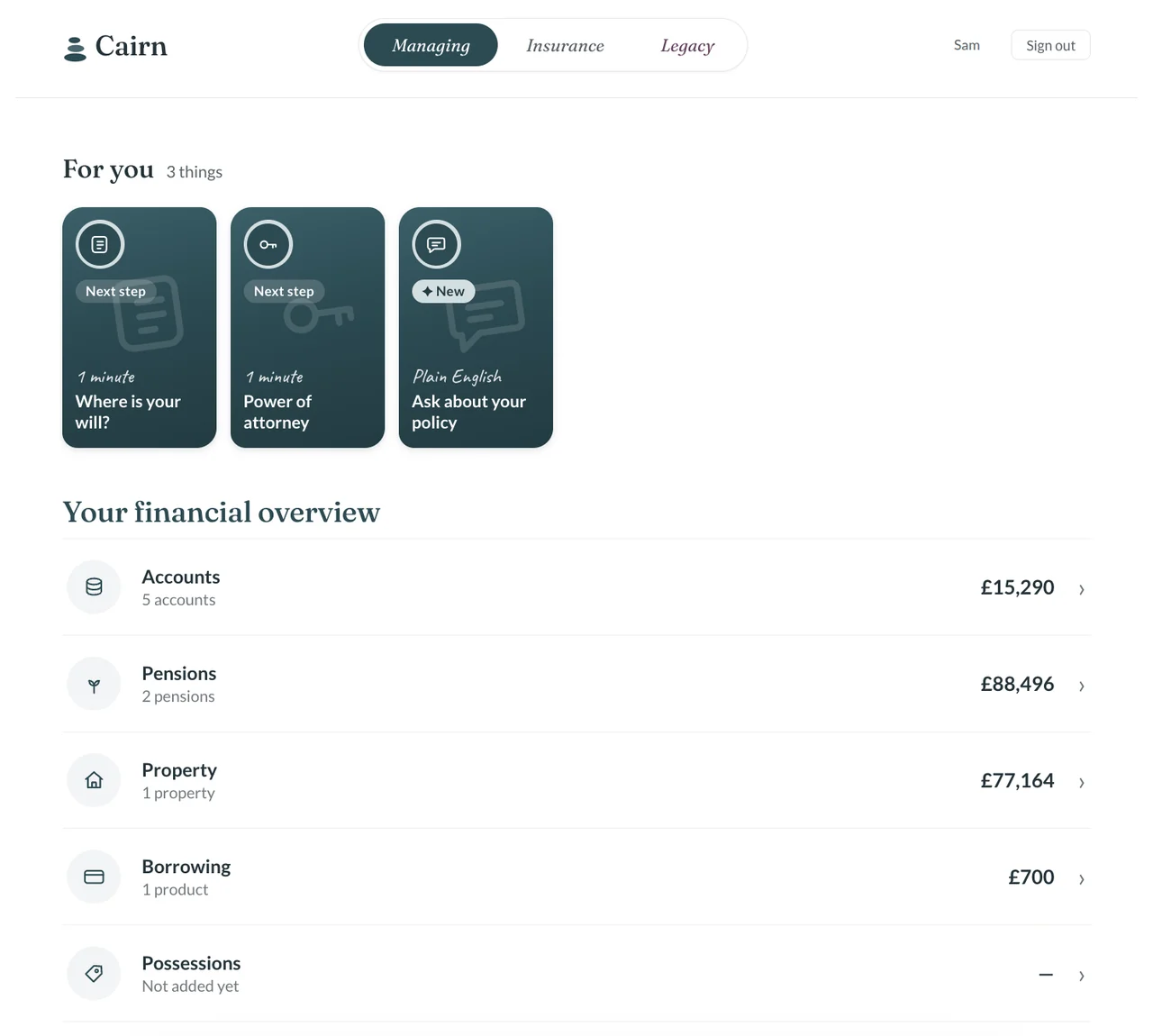
Know what you have.
Keep accounts, pensions, property and investments in one ordered overview.
- Bank accounts and savings
- Pensions and retirement plans
- ISAs, investments and shares
- Property and mortgages
Insurance
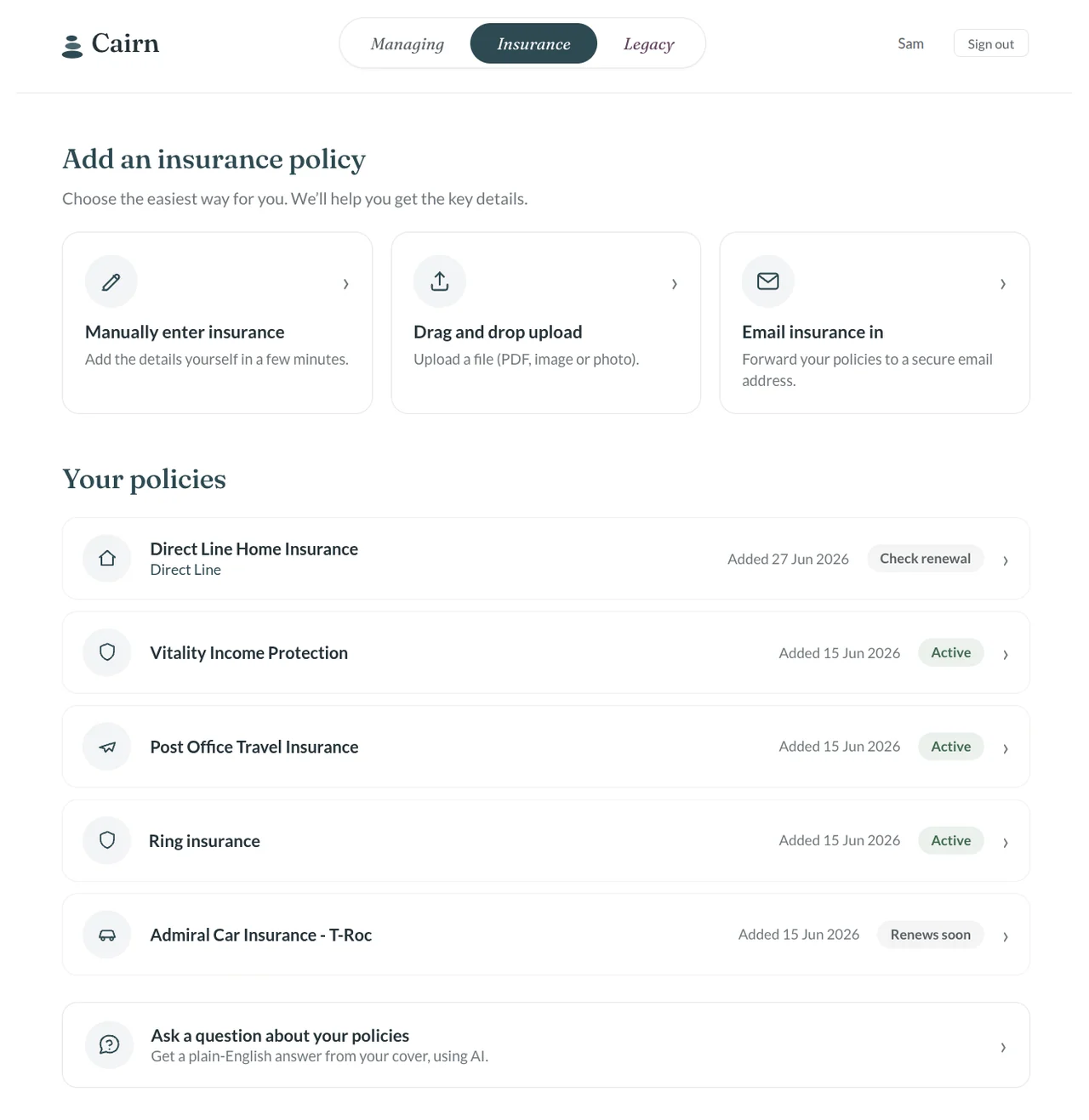
Never lose another policy.
Keep policies, renewal details and important documents where they are easy to find again.
- Life, critical illness and income
- Home, contents and car insurance
- Pet, travel and other policies
- Renewal dates and documents
Legacy
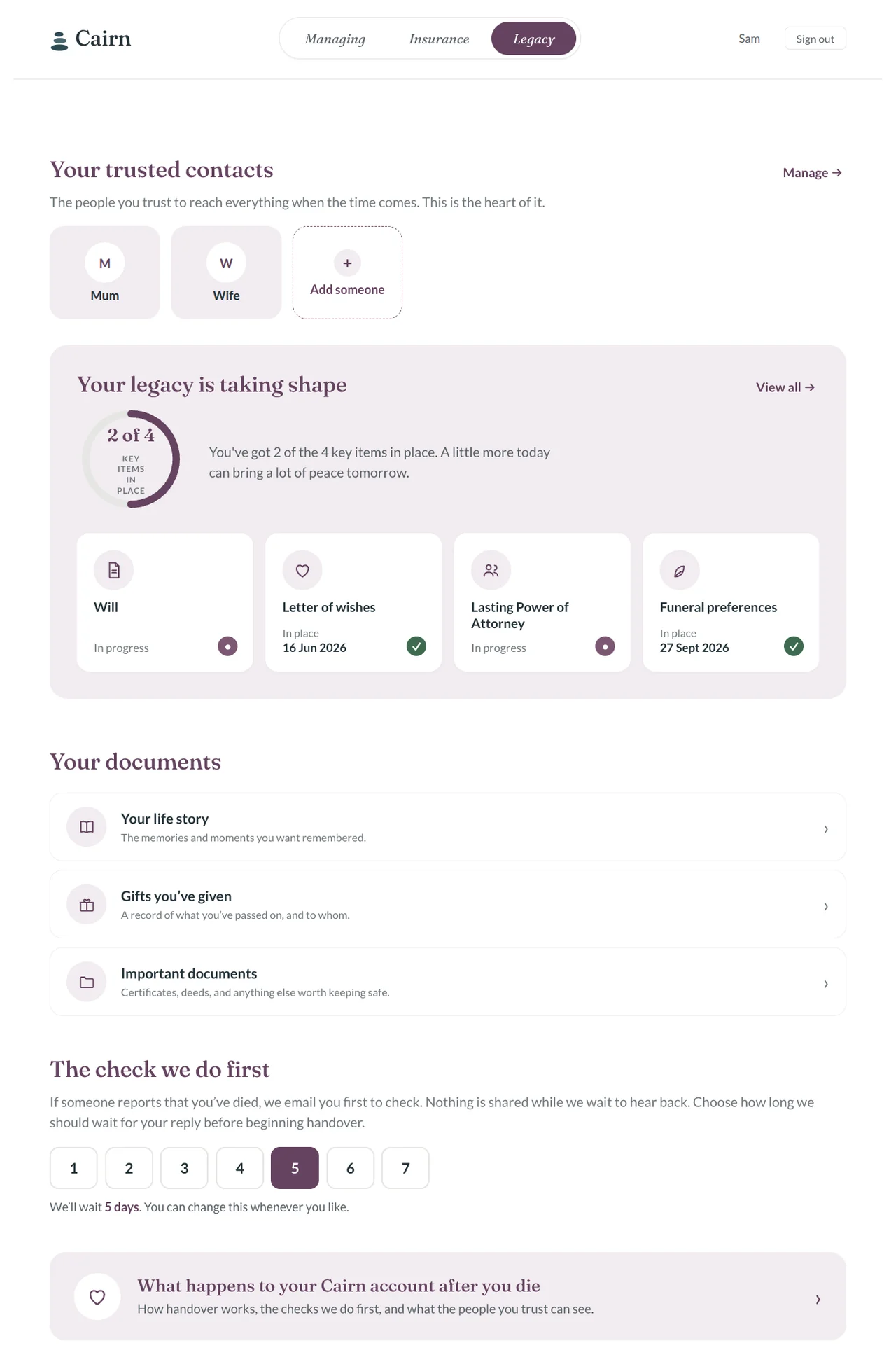
Leave a clear path.
Alongside your will and legal documents, leave a personal message and the practical information your family may need.
- A letter they can read first
- Will and Lasting Power of Attorney
- Beneficiaries and executors
- Personal wishes and instructions
The technology does the hard work in the background.
Email insurance documents into Cairn, and use optional tools to pull useful details from your documents or ask them questions in plain English.
All AI features are optional. You can enter every detail manually if you prefer.
Reminders
Prompts when a renewal is coming up or something needs another look.
Email your insurance
Forward policy documents and keep them with the policy.
Plain-English help
Ask questions about your documents without digging through the small print.
Useful after the first setup
Cairn keeps earning its place.
You should not have to build a record once and then remember to maintain it forever. Cairn can surface the things that need another look, so your handover stays useful as life changes.
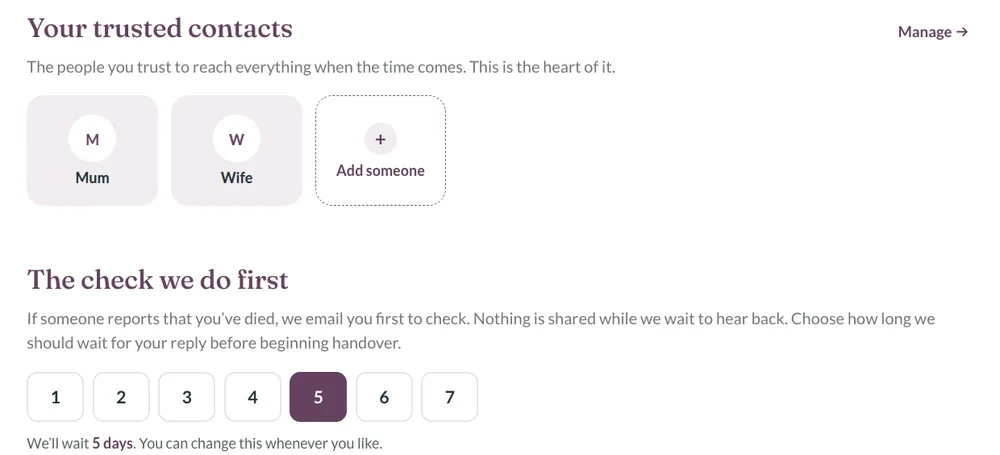
A calm, secure handover.
You decide who can reach your information, and when. Nothing is opened on one person’s say-so.
- 1
Someone tells us you’ve died
Usually a trusted contact, with the access code you gave them.
Day 0 - 2
We email you first
If you’re still here, one reply stops everything.
Straight away - 3
We wait for your reply
Your response window. You set it.
1 to 7 days - 4
They confirm who they are
Using the details you recorded.
Before any access - 5
They see only what you chose
Never passwords. Never banking logins. Never payment access.
After the checks